Usage
Start by browsing https://tv.nrk.no until you find what you want. Copy the URL and give it as an argument for this tool. You can list several URLs on the command line (separated by space). Content that are already downloaded will be skipped.
Tip
If you want to automatically download extra material ("Ekstramateriale") for a series,
you need to add the option --with-extras to the command line. This is off by default,
unless the URL contains the string ekstramateriale.
Arguments and Options
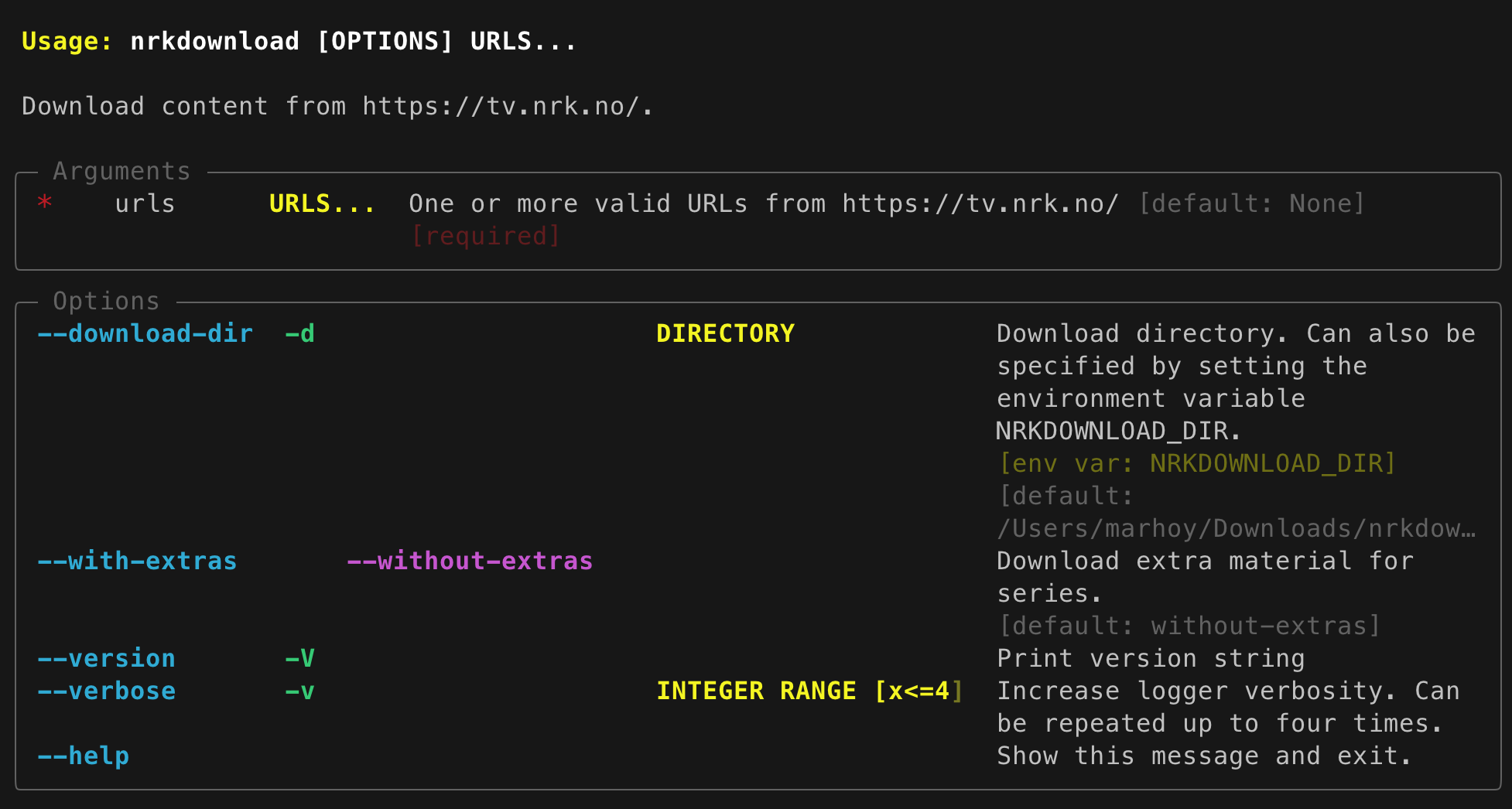
The files are by default downloaded to ~/Downloads/nrkdownload. This can be changed by
using the option -d as described above, or you can define the environment variable
NRKDOWNLOAD_DIR.
URL Parsing and actions
-
If the URL points to the top-level of a series, all episodes in all seasons will be downloaded.
-
If the URL points to a specific season, all episodes within that season will be downloaded.
-
If the URL points to a specific episode, only that one episode will be downloaded.